For Shopify Stores
The Best AI Product Photography for Shopify Stores
Shoppers can't pick your product up, so your photos do the selling. MICKS Ai turns one phone photo into the full set a Shopify product page needs: a clean main image, lifestyle scenes, on-model shots and a short video, without booking a photoshoot.
Plans from $10 a month • Updated
What Shopify product images need
Shopify says 2048 × 2048 px usually displays best for square product images. It accepts images up to 5000 × 5000 px (25 megapixels) and under 20 MB, in PNG or JPEG among other formats. Square photos keep collection grids even, and at that size the product stays sharp when shoppers zoom in.
- One aspect ratio throughout. Shopify advises a consistent aspect ratio for featured images so collection pages display evenly. Keep every product in 1:1, or in your theme's ratio.
- A consistent look across a collection. The same background style on every main image makes a collection page look curated instead of pieced together.
- More than one image. Angles, lifestyle and in-use shots answer the questions a shopper would ask in a store: how big is it, what does it look like on, what is it like up close.
- Alt text on every image. It describes the image to screen readers and to Google Images.
The shots every Shopify product page should have
Here is the full set, where each one shows up on your store, and the MICKS Ai tool that makes it from your original photo.
| Image | Where it shows on your store | Made with |
|---|---|---|
| Main product image | Collection grids, the product page and Google Shopping | Product Photography, studio scene, 1:1 |
| Lifestyle images | Product page gallery, homepage and collection banners | Product Photography, lifestyle scene |
| On-model images | Apparel, bag and beauty product pages | Model Photography |
| Product video | Product page media, Reels and TikTok ads | Product Video, 5 or 10 seconds |
| Zoom-ready detail | Product page zoom on old or supplier photos | Image Upscaler, 2× or 4× |
| Clean-up | Any photo with stray props or clutter | Magic Eraser |
From a phone photo to a Shopify-ready image
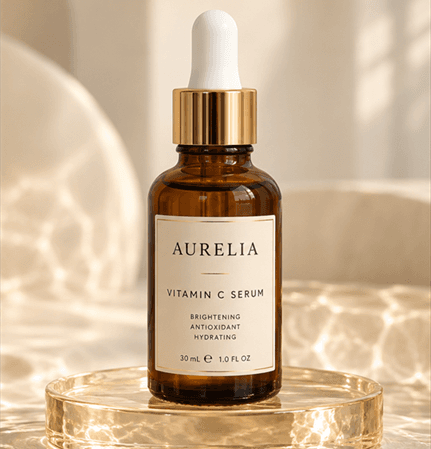
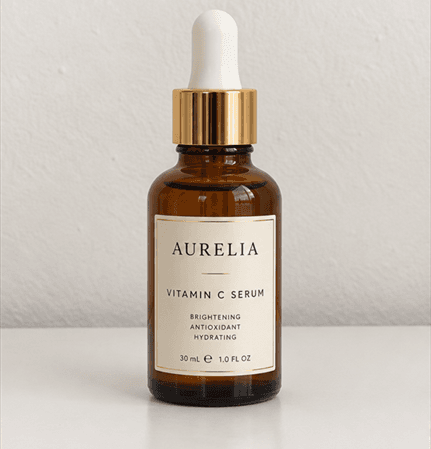
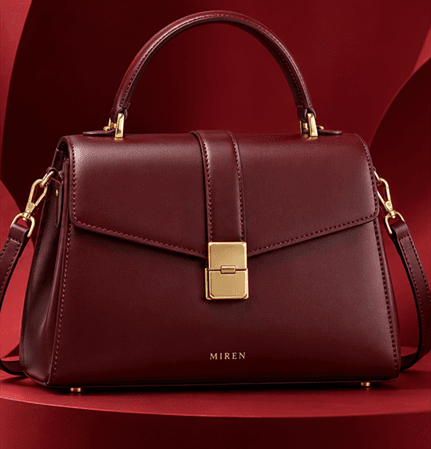
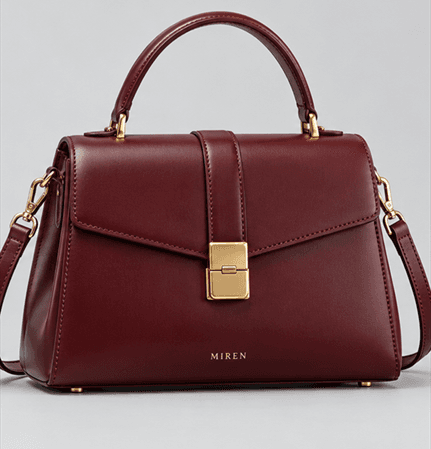
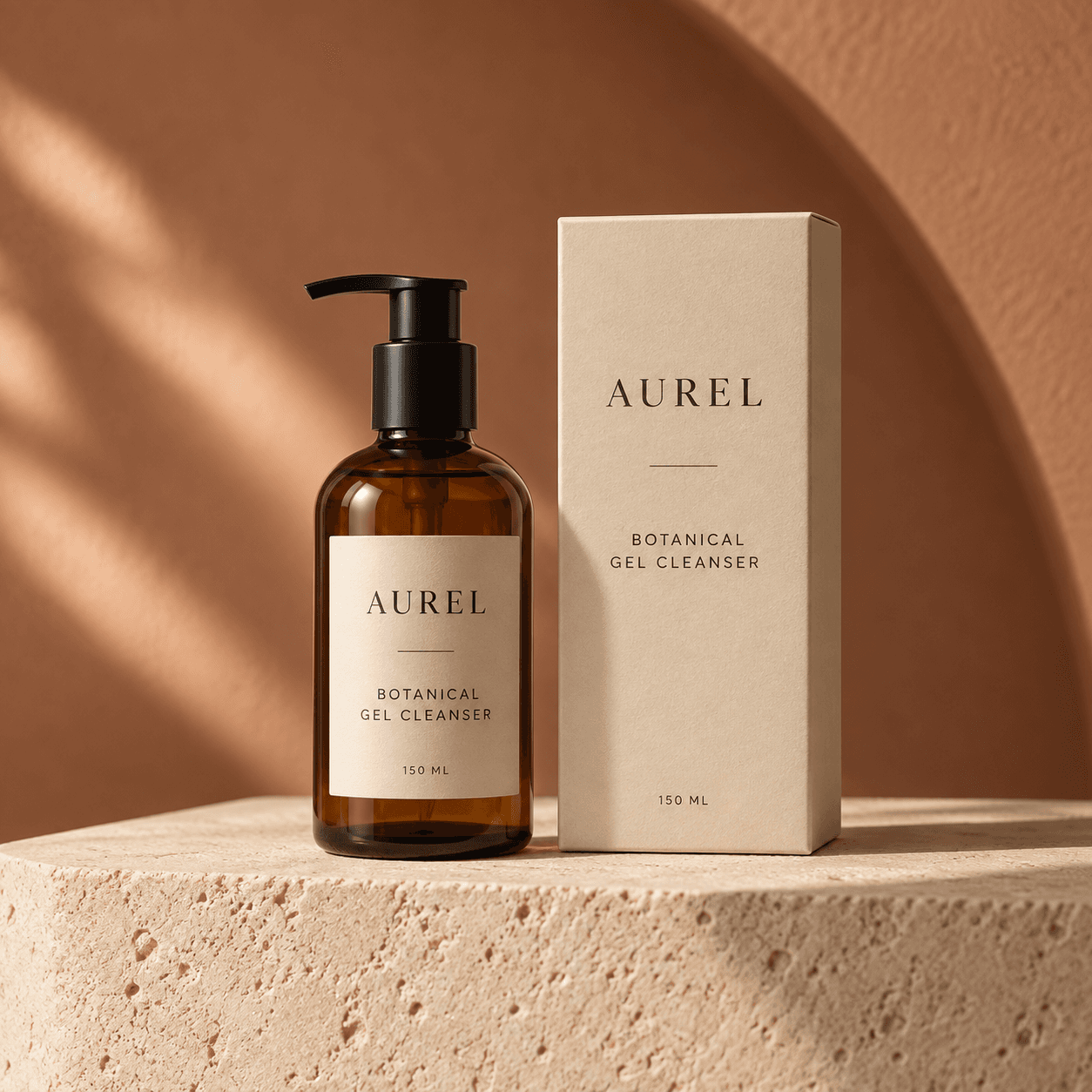
A plain photo on a kitchen counter is enough to start. Drag the slider to compare the original with the generated scene.
How to create Shopify product photos with MICKS Ai
- Take one clear photo. Any phone works. Use good light and keep the whole product in frame.
- Generate the main image and lifestyle scenes. In Product Photography, pick a scene and the 1:1 aspect ratio.
- Add on-model and video shots. Use Model Photography for apparel, bags and beauty, and Product Video for a short clip.
- Upload to Shopify. Open the product in your Shopify admin and add the images in the Media section, or drag them in.
- Write alt text. Describe the product and the scene, for example "Vitamin C serum bottle on a sunlit water surface".
Tips for AI product photos on Shopify
- Check the product, not just the scene. Before publishing, make sure colour, label and shape match the real item. Photos that oversell lead to returns.
- Pick one scene style per collection. Reuse it for every product in that collection so the grid looks like one shoot.
- Name files before uploading. A name like vitamin-c-serum-sunlit-water.jpg tells Google Images what the photo shows.
- Rescue old photos instead of reshooting. Run small supplier images through the Image Upscaler so they hold up on zoom, and clear stray props with the Magic Eraser.
- Reuse the set in your ads. Export 9:16 versions for Instagram and TikTok ads that send traffic to the store.
Frequently Asked Questions
Everything you need to know about creating product visuals with MICKS Ai.
For Shopify stores that need more than background removal, MICKS Ai is a strong pick: one phone photo becomes studio packshots, lifestyle scenes, on-model photos and short product videos, downloaded as square 1:1 images for product pages. Plans start at $10 a month.
Shopify says 2048 × 2048 px usually displays best for square product images. It accepts images up to 5000 × 5000 px (25 megapixels) and under 20 MB, and recommends one aspect ratio across featured images so collection pages look even.
Download the images from MICKS Ai, open the product in your Shopify admin and upload them in the Media section, or drag them straight in. Add alt text to each image as you go.
Yes, as long as the photo shows the real product accurately, with the right colour, label and shape, since shoppers expect what arrives to match. If you also sell on Amazon, keep a pure white background version for Amazon's main image slot.
Most stores use several: a clean main image, two or three angle or lifestyle shots, an on-model or in-use shot and a short video. With MICKS Ai the whole set comes from one product photo.
No. MICKS Ai plans start at $10 a month. You can cancel anytime and keep using your plan until the end of the period you paid for.
Ready to transform your product photos?
Create professional product photos with AI, without a photoshoot. Plans start at $10 a month.